For property managers, co-hosts, and owner-operators

WhatsApp in. Clean books out.

Send receipts, voice notes, and vendor updates in WhatsApp. Memo turns them into a clean ledger and a live 30-day spend view without another app.

Receipt photos Voice notes Vendor details Owner summary
From chat to clean records WhatsApp to ledger
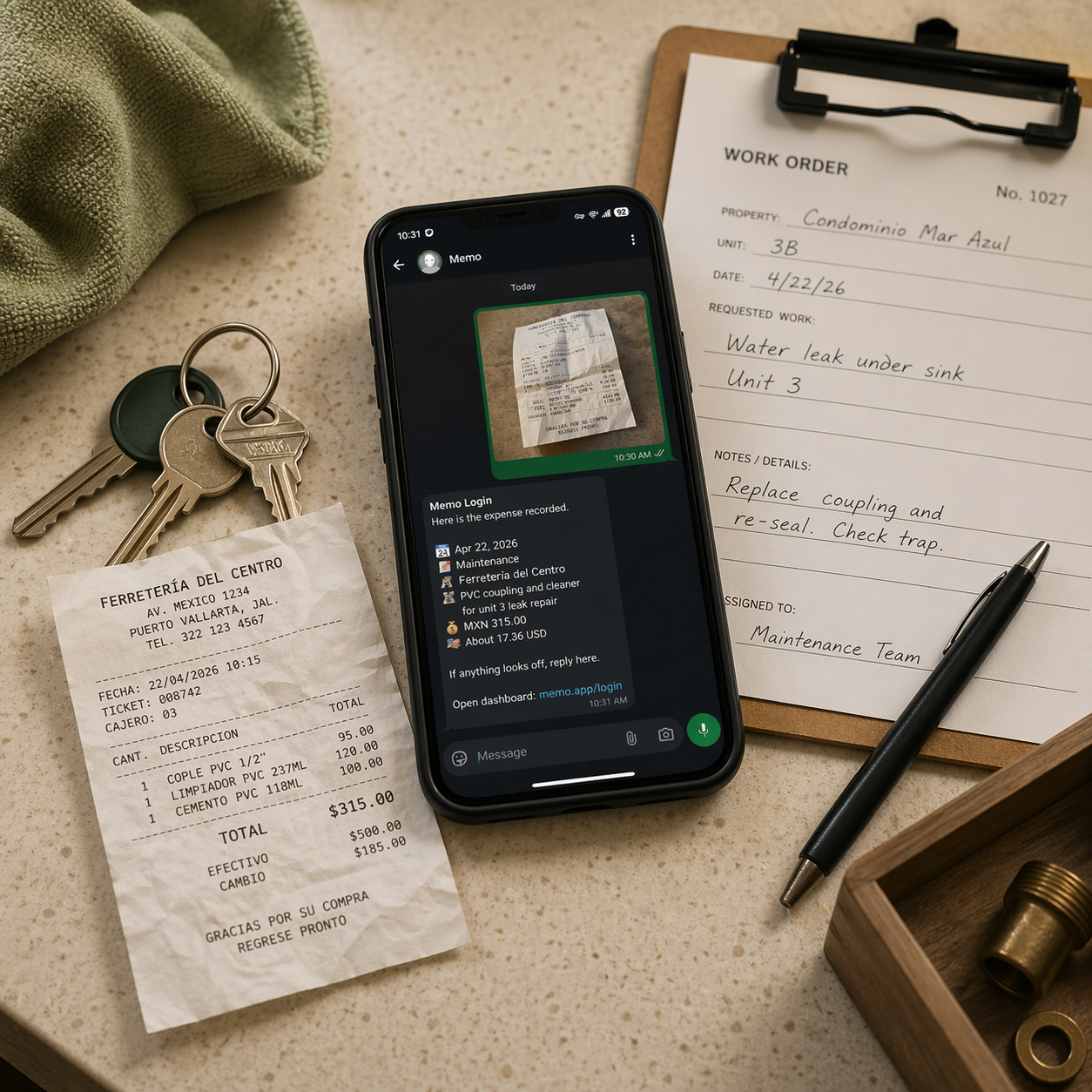
Receipt photo from Home Depot. Bathroom supplies for unit 3.
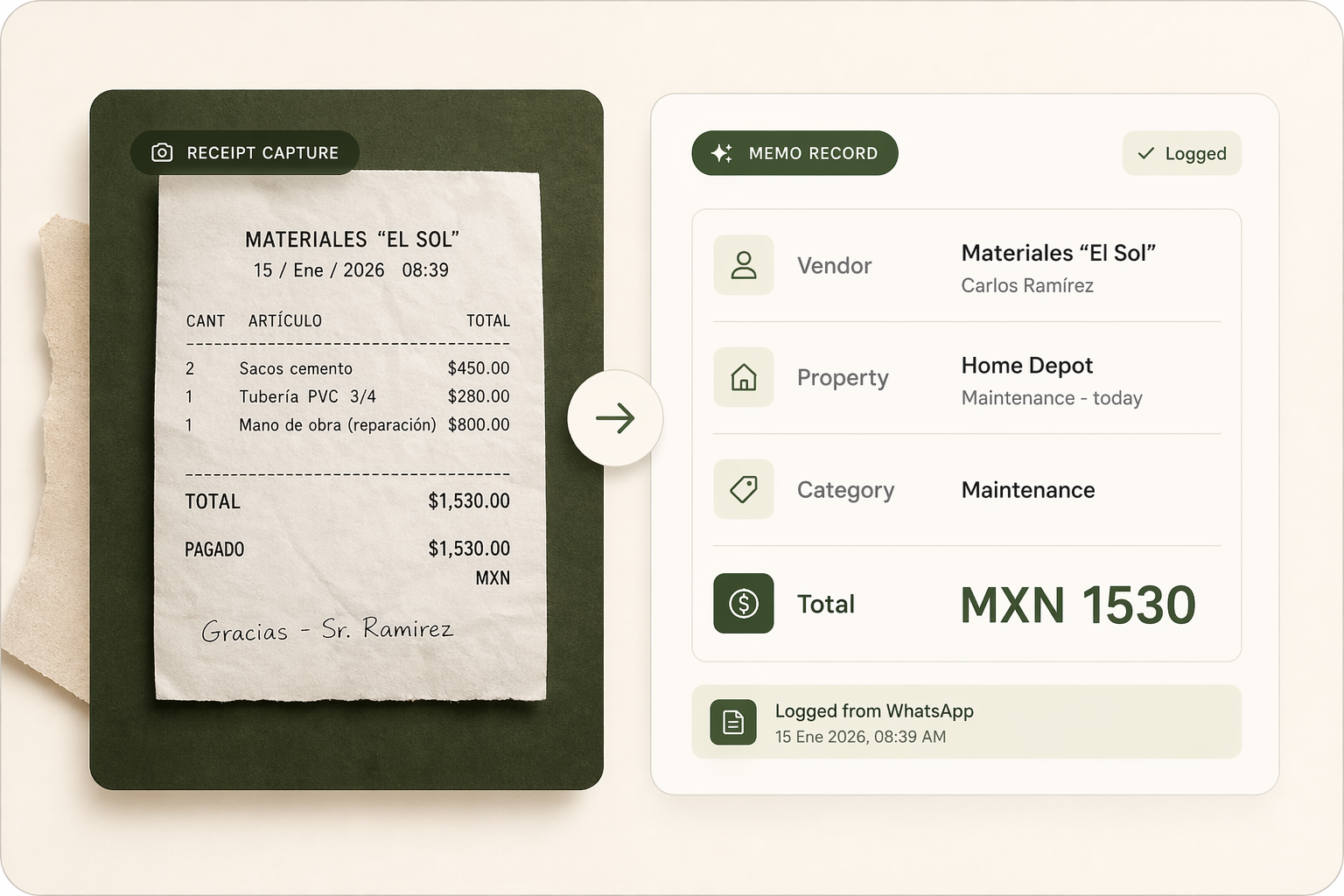
Logged: maintenance, MXN 1,240, Unit 3.
Paid Carlos 800 pesos for plumbing.
Saved: plumbing labor, MXN 800. Carlos added as a vendor.
Home Depot Maintenance - today
MXN 1,240
Carlos Plumbing Plumbing labor - today
MXN 800
Vendor record Carlos saved
Saved
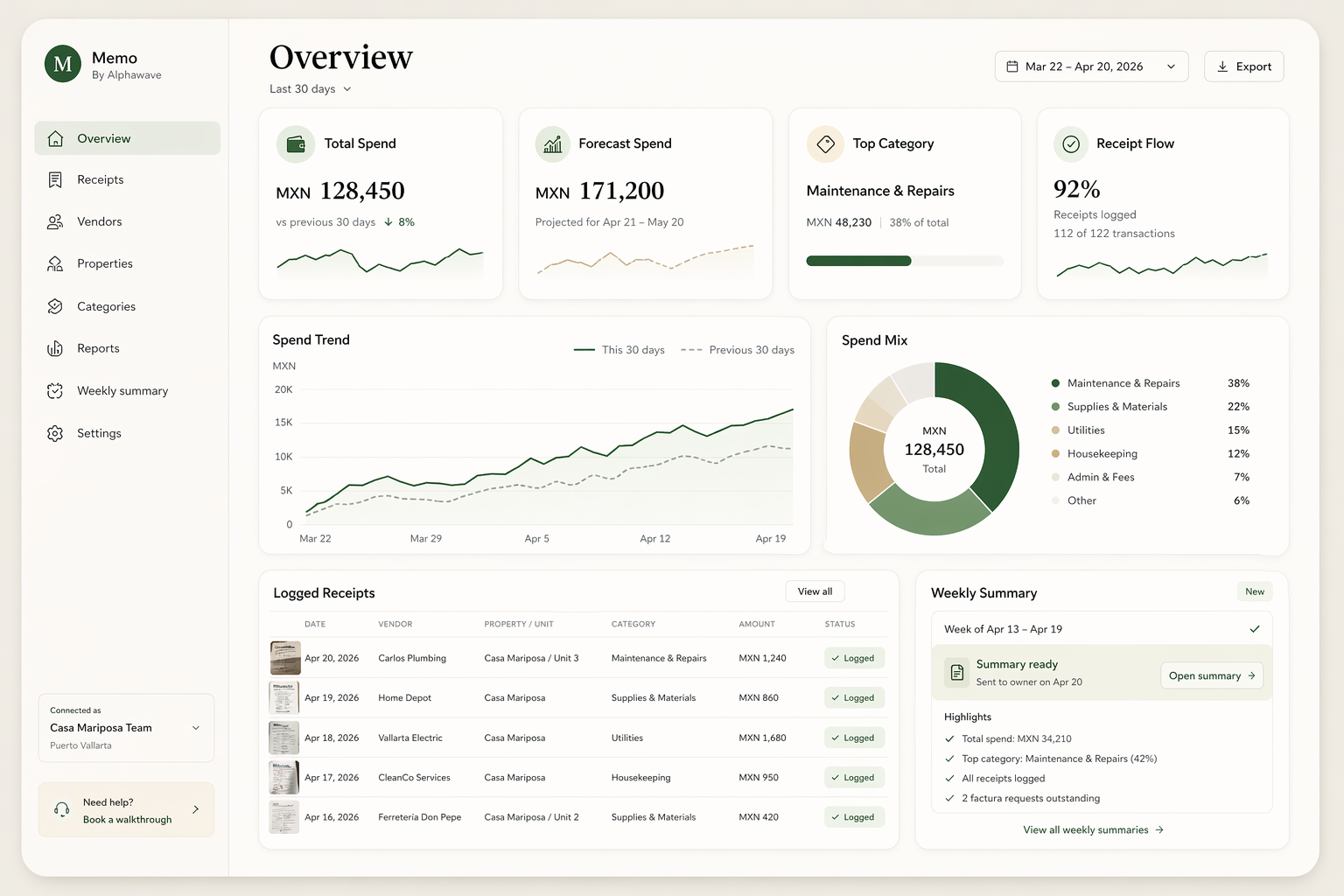
30-day view Up to date

Currently piloting with property teams in Puerto Vallarta.

Why teams switch

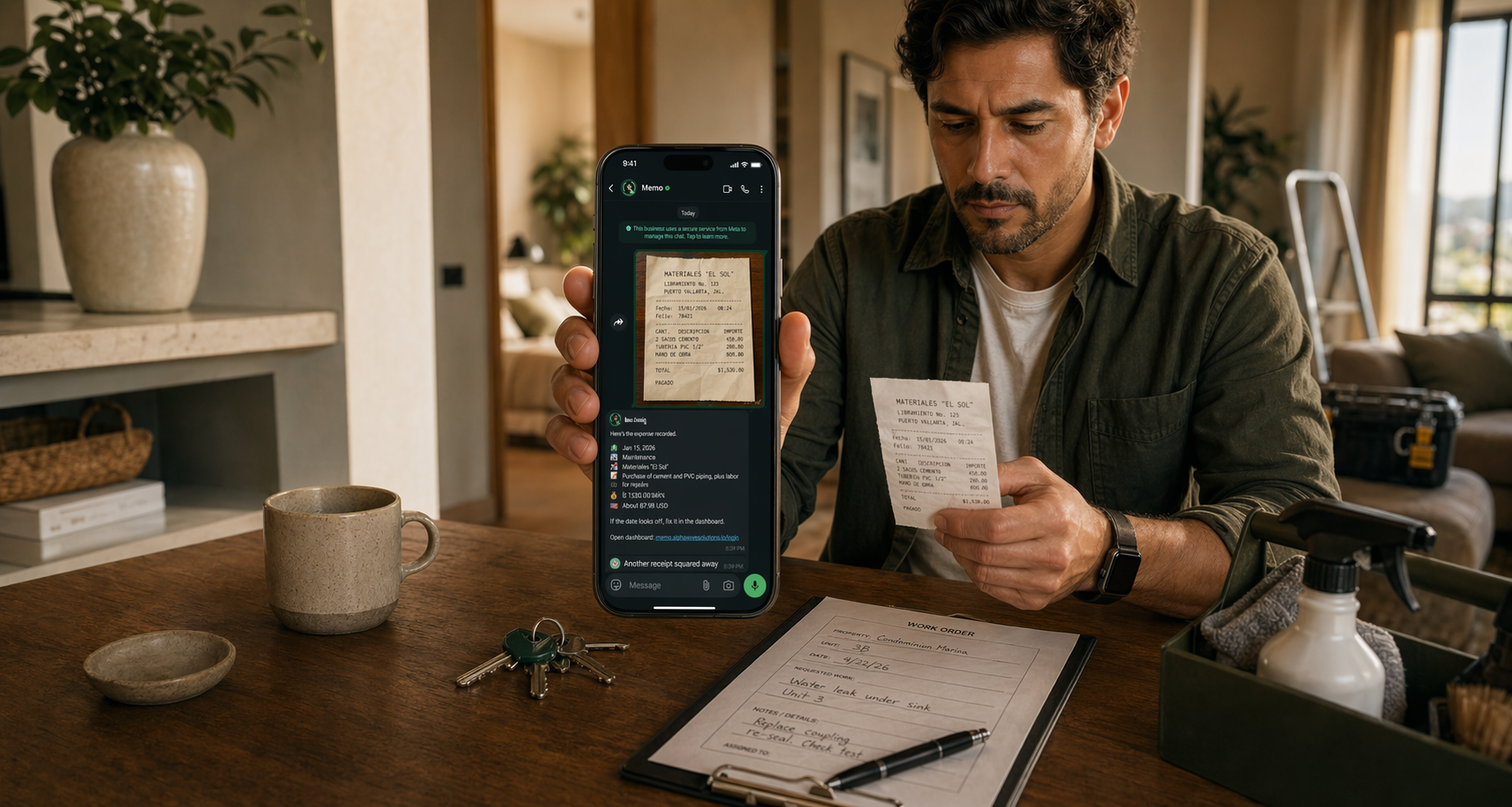
Stop cleaning up receipts after the fact.

Before Memo With Memo

Receipts sit in chat threads until someone updates a spreadsheet.

Spend is logged as work happens.

Voice notes get forgotten by the end of the week.

Vendor context stays attached to the expense.

Owners ask what changed and no one can answer quickly.

Open Memo and see the last 30 days, top categories, and spend pace.

What you can answer fast
  • What did we spend in the last 30, 60, or 90 days?
  • Which vendors and categories moved?
  • Is this month running hot?
  • What should I send the owner this week?
How Memo works

Keep using WhatsApp. Memo does the organizing.

Your team sends the receipt or voice note in chat. Memo logs it, sorts it, and updates your spend view.

Send it in WhatsApp

Share a receipt, voice note, contact card, or location pin from the chat you already use.

Memo logs the details

Memo captures the amount, vendor, unit, and category so you do not clean it up later.

See what changed

Open the dashboard and see recent spend, pace, and where money is going before an owner asks.

Ready to try it

Try Memo with the receipt flow you already have.

Book a short walkthrough and we will map Memo to the receipt flow your team already runs every week.